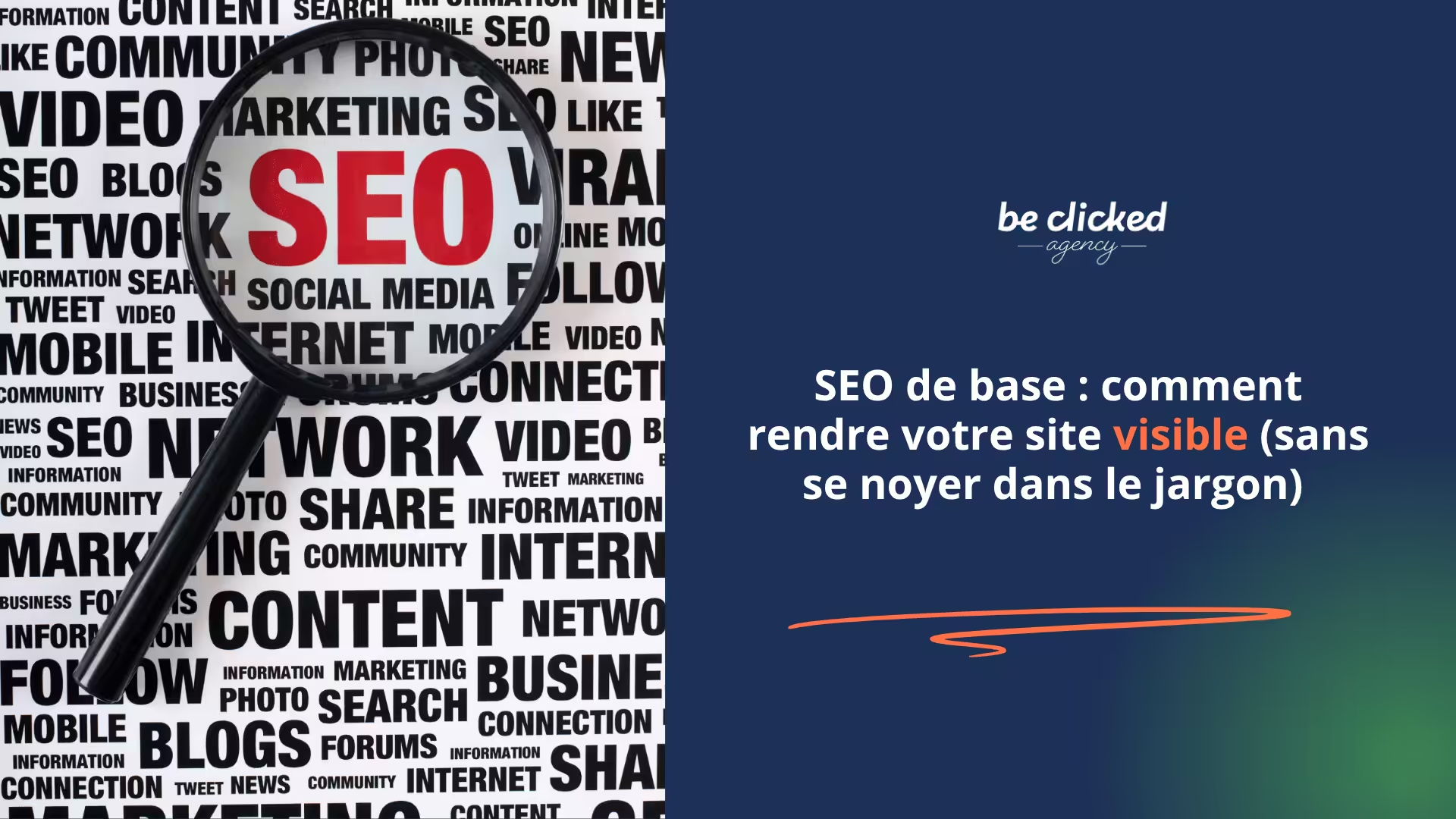

Creating a site is good. But if it's not visible on Google, it mostly serves… those who already have the URL. SEO (Search Engine Optimization) is there for that: helping your site appear in search results when someone searches for what you offer. Good news: you don't need to be an expert to lay solid foundations.
Why is SEO important for your site?
SEO allows your site to be found by your future clients. Without it, you rely on social media or word of mouth. With good natural referencing, your site becomes an autonomous and sustainable entry point.
1. Understand what Google wants
Google wants to offer internet users results :
- Relevant : the right content at the right time
- Useful : that answer a real question or need
- Reliable on clear, fast, well-structured sites
2. Optimize basic technical settings (on-page SEO)
Here are some fundamentals to check on your WordPress site:
- A page title (title) unique, clear and containing a keyword
- A meta description engaging, click‑inducing
- A clean and short URL : without strange characters or unnecessary numbers
- One H1 per page : your main title
- ALT tags on your images : describe each image precisely
- A well-configured SEO plugin : SEOPress, Yoast, or Rank Math do the job very well
3. Create content optimized for SEO (and for humans)
Good SEO content is :
- A clear answer to a frequent search
- Intermediate headings (H2, H3) to structure the text
- The natural use of the main keyword in the title, introduction, and body of the text
- Some internal links to other relevant pages on your site
- Original content, accessible and without unnecessary fluff
4. Improve user experience (UX & technical SEO)
Modern SEO also takes into account :
- Site speed : test here PageSpeed Insights
- A responsive design Your site must be pleasant to read on mobile
- Smooth navigation : clear menu, visible links, logical calls to action
5. Be consistent (and patient)
SEO is foundational work. Better a well-written piece of content published regularly than a large project left abandoned. Remember to update your old content.
Conclusion
Basic SEO is not a mountain. It's a series of simple but effective actions. By applying them progressively, you give your site the best chance of being found, read, and appreciated.
👉 Need a hand to check where your site stands? Contact us for a Free mini SEO audit (and no fuss).
SEO FAQ – Simple answers to common questions
1. What is the best SEO plugin for WordPress ? SEOPress, Yoast and Rank Math are the most well‑known. At Be Clicked Agency, we prefer SEOPress for its simplicity and advanced features.
2. How long does it take to see SEO effects? Generally, expect a few weeks to a few months depending on your field. SEO is a medium‑to‑long‑term investment.
3. Should I publish a blog to improve my SEO ? It's not mandatory, but strongly recommended. A blog allows you to cover topics your clients are searching for and attract qualified traffic.
4. Does Google see the images? Not directly. It reads ALT tags. Hence the importance of filling them well.
5. Can I manage my SEO myself ? Yes, with a bit of method and good tools, it's entirely possible. And if needed, we're here to support you.